
Revit BIM Models LOD 200
We scan your existing building with LiDAR and model it in Autodesk Revit at LOD 200. Approximate geometry, correct dimensions — ready for schematic design and space planning. Most projects delivered in 1–2 days.
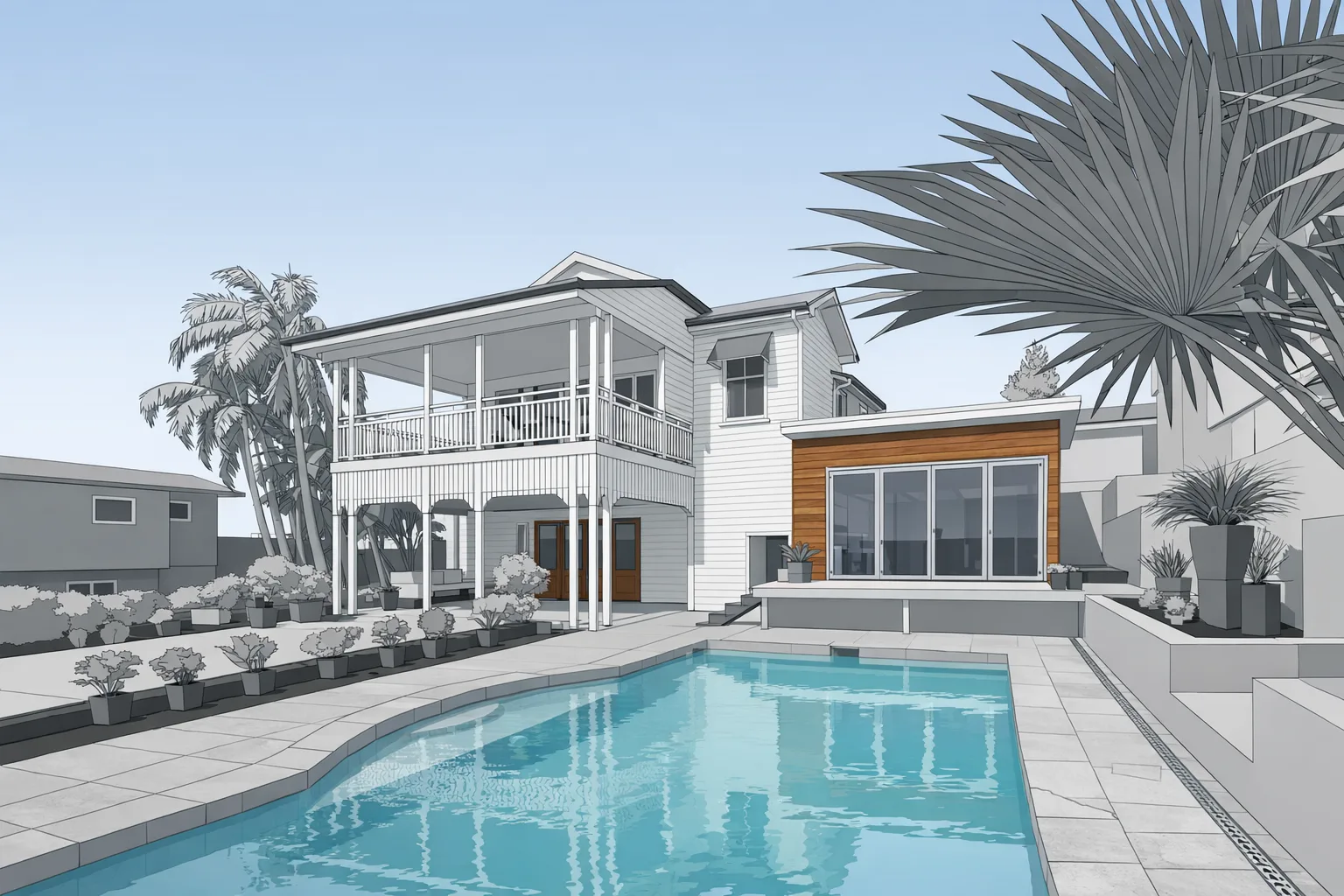
What LOD 200 means — and why it's honest
LOD 200 is the right level of detail for an existing-building scan-to-BIM project at the schematic design stage. Let's be clear about what it includes and what it doesn't, because we'd rather you know upfront than be surprised at delivery.
What you get: Walls at their correct locations and thicknesses. Floors and ceilings at correct heights. Doors and windows at correct locations and approximate sizes. Major structural columns and beams. Floor-to-floor heights from actual scan data. A model organized by level that drops cleanly into your Revit project.
What you don't get at LOD 200: Fully parametric doors and windows with schedules. MEP rough-in or equipment. Fine millwork or built-in casework. Roof geometry beyond basic mass. These require a higher LOD scope — ask about it when you request your quote if your project needs it.
For schematic design, space planning, early coordination, and scope validation on renovation projects, LOD 200 is the right tool. It gives your team a 3D base to design against without paying for detail you won't use at this phase.
Who this is for
- Architecture firms working on renovation or adaptive reuse in Revit
- MEP engineers who need to coordinate against existing structure
- Structural engineers assessing and modifying existing buildings
- Design-build firms starting schematic design on occupied buildings
- Historic preservation architects documenting existing fabric
What you get
- Autodesk Revit RVT file (LOD 200)
- Walls, floors, ceilings, openings from scan geometry
- Correct floor-to-floor heights
- Model organized by level
- PDF floor plan set derived from the model
- Matterport virtual tour included free
Scan-to-BIM vs just getting a floor plan
Both start from the same LiDAR field capture. A floor plan gives you a 2D PDF drawing. A Revit model gives you a 3D parametric file you can cut sections from, view in 3D, clash-check against new design elements, and directly import into your active Revit project.
If your firm works in Revit and you're starting renovation design, the BIM model is the right deliverable. If you need 2D drawings for a contractor bid or an appraiser report, the measured floor plan is simpler and less expensive.
We can also provide both — the floor plan PDF is included in the BIM model delivery at no extra charge.
Turnaround
Field scanning takes 1–2 hours on site for most buildings. Revit modeling delivers in 1–2 days for most projects, up to 5 for larger buildings. Rush turnaround is available — mention your deadline in the quote request and we'll confirm whether we can accommodate it.
Frequently Asked Questions
What is LOD 200?
LOD 200 means model elements are approximate in geometry but correct in overall dimensions, location, and orientation. Walls, floors, and openings are at their actual positions and sizes. Good for schematic design, space planning, and early coordination.
What does the Revit model include?
Walls at correct locations and thicknesses, floors and ceilings at correct heights, doors and windows at correct locations, major structural elements, floor-to-floor heights from scan data, organized by level.
Is a Revit model more accurate than a floor plan?
No — both come from the same LiDAR scan data. The difference is format: floor plan is 2D PDF, Revit model is 3D parametric. Both are built from the same precise underlying scan data.
How long does delivery take?
1–2 hours for field scanning, 1–2 days for most Revit models, up to 5 for larger buildings. Rush turnaround available.